
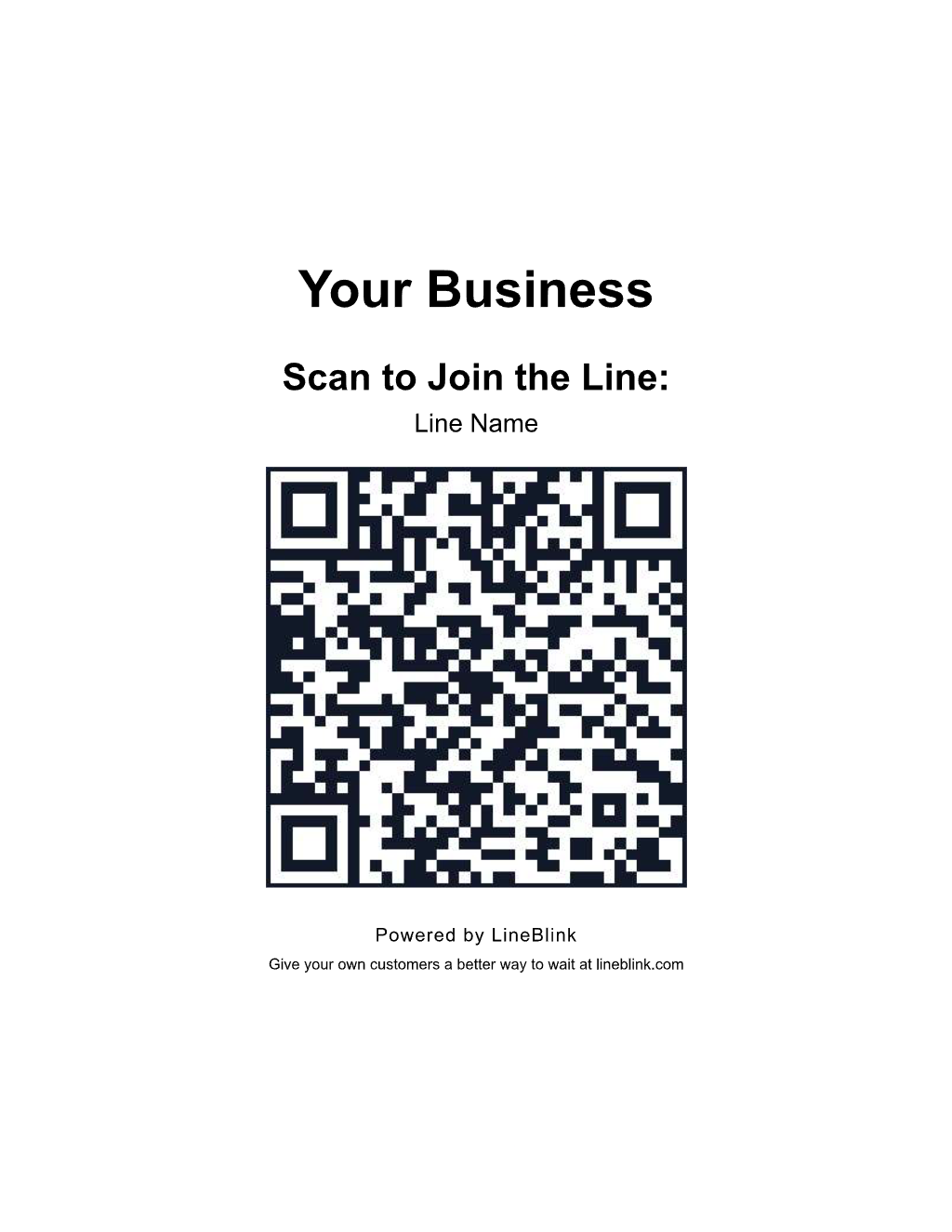
Customers scan your QR code or open your link to join the line.
 LineBlink
They scan. They stroll. You call them back.
Customers join your line with a QR code and follow their place from their phone.
No app to download. No hardware to buy.
A better wait, from scan to service.
They can grab a coffee or browse nearby while following their place from their phone.
When you are ready for them, let them know it is time to come back.
SMS updates on SMS-enabled plans, with consent.
Set up in four steps.
- 01
Add your business
Name your business and first line, then add your logo to make check-in feel familiar.
- 02
Describe your service
Tell us what you offer, how long it usually takes, and how many people your team can serve.
- 03
Review your wait settings
Check the service times, capacity, and delay buffer built from your answers. Adjust them to suit your day.
- 04
Share your line
Display your QR code or share your join link.
Made for walk-in businesses.
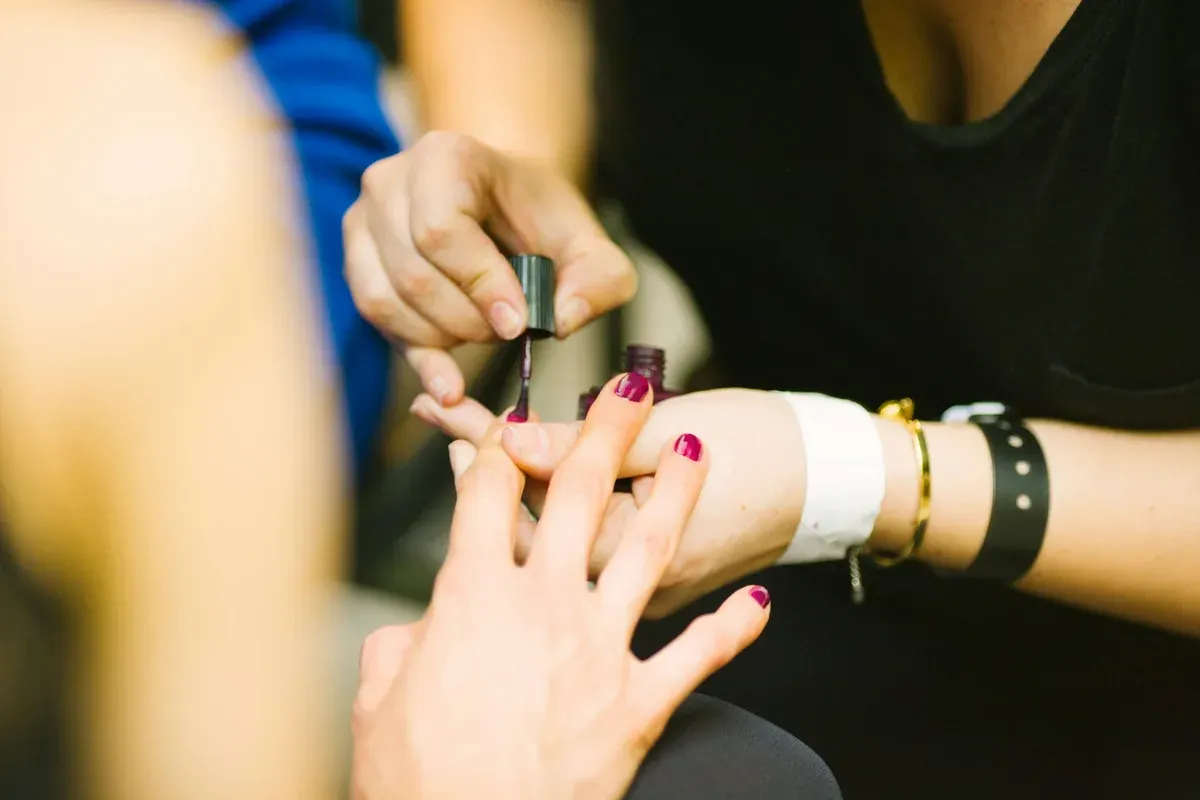
Barbershops & Nail Salons
Give guests time to grab a coffee or browse nearby, then let them know when a chair opens.
Auto Services
Let customers follow their service status from their phone instead of waiting at the counter.

Pet Grooming Salons
Keep your attention on the pets in your care and let owners know when it is time for pickup.

Food Trucks & Pop-Ups
Let customers explore the market after they order, then notify them when it is time to collect.

Buy-Sell-Trade Retail
Give sellers the freedom to shop while you review their items, then invite them back to discuss your offer.

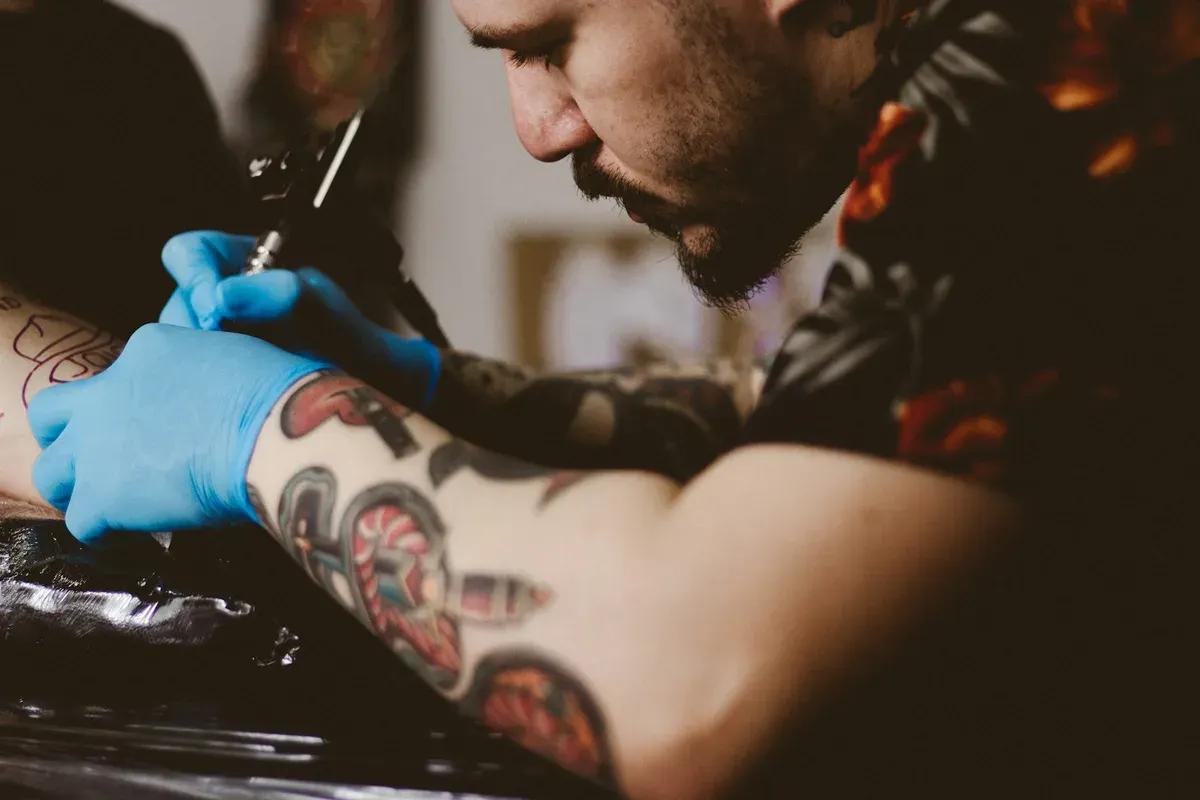
Tattoo & Piercing Studios
Keep walk-in clients in order while they wait nearby, then notify them when an artist is available.
Keep your team focused on the next customer.
Live Dashboard & Insights
Review current waits and past activity to see how your day is running.
Staff Web Push Alerts
Receive a browser alert when a new guest joins.
Check In by QR Code
Let guests enter their own details instead of adding each name at the counter.
Customer SMS Updates
Send a text when it is time to return.
Flexible Bookings
Offer scheduled slots alongside walk-ins, with separate opening hours for each.
A better fit for the way you serve.
Category
Other approaches
LineBlink
Setup
Vendor-led onboarding means arranging setup with a provider.
Set up on your schedule with a guided flow.
Product focus
Full business suites make line management one part of a broader system.
Line management is the focus, from check-in through service.
Pricing model
Subscription-only tools come with a recurring bill.
Starter has no recurring fee. Paid plans add capacity as you grow.
Industry fit
Booking-only calendars organize the day around fixed appointment times.
Keep walk-in service at the center of your workflow.
Experience
Pager systems give customers a separate device to carry and return.
Guests use the phone they already carry.
Room to grow. A plan to match.
Monthly guest limits apply to all entries, including on annual plans. SMS requires customer consent.
Starter
Admit one business
$1one-time
100 guest entries
- No SMS or overage
- 1 line
- 5 active service staff
- Staff web push alerts
- QR code and link check-in
- Live line status and analytics
- Time-slot bookings
Growth
Most Popular
$29.99/ mo
1,000 guest entries
- 2 lines
- 10 active service staff
- $0.06 per additional guest entry
- Historical wait-time estimates
- SMS updates
Business
$99.99/ mo
4,000 guest entries
- 5 lines
- 20 active service staff
- $0.06 per additional guest entry
- One business
- Live wait-time and booking signals
Enterprise
Let's talk
Volume-based limits
- Custom line and staff limits
- Custom guest entry limits
- Contact LineBlink for available features
Request a refund within seven days of your first purchase. See terms for annual plans.
Keep account access in your hands.
Two-Factor Authentication
Add an optional verification step to employee work accounts.
Session Security
Check each signed-in session before allowing access to account actions.
Role-Based Access Control
Choose permissions for owners, administrators, managers, staff, and viewers.
Audit Logs
Review recorded administrative actions and account activity.
Common questions.
What is LineBlink?
LineBlink is virtual line management software that replaces physical waiting lines. Customers join through a QR code or link and keep their place remotely.
Who is LineBlink for?
LineBlink supports businesses that manage customer waits. Target groups include barbershops and nail salons, auto services, and pet grooming salons. They also include food trucks and pop-ups, buy-sell-trade retail, and tattoo and piercing studios.
How do customers join a line?
Businesses share a public link or QR code. Customers open it in a browser and select an available line or time slot. They enter required details.
How do I cancel a recurring subscription?
The purchaser, platform owner, or organization administrator can turn off Auto-renew in the billing dashboard. This requires an active account, a verified email, and a recurring subscription. Work accounts and staff sessions cannot change Auto-renew. The recurring subscription remains active until the current paid period ends. Starter has a one-time activation charge and no recurring subscription.
Is there a mobile app?
LineBlink uses a mobile web experience. Customers can join and see their line status from an iOS or Android browser. They do not need a native app.
How are wait times estimated?
LineBlink calculates estimated ranges from recent service durations, line position, party size, scheduled bookings, and available service capacity. Businesses can also configure fallback service durations.